
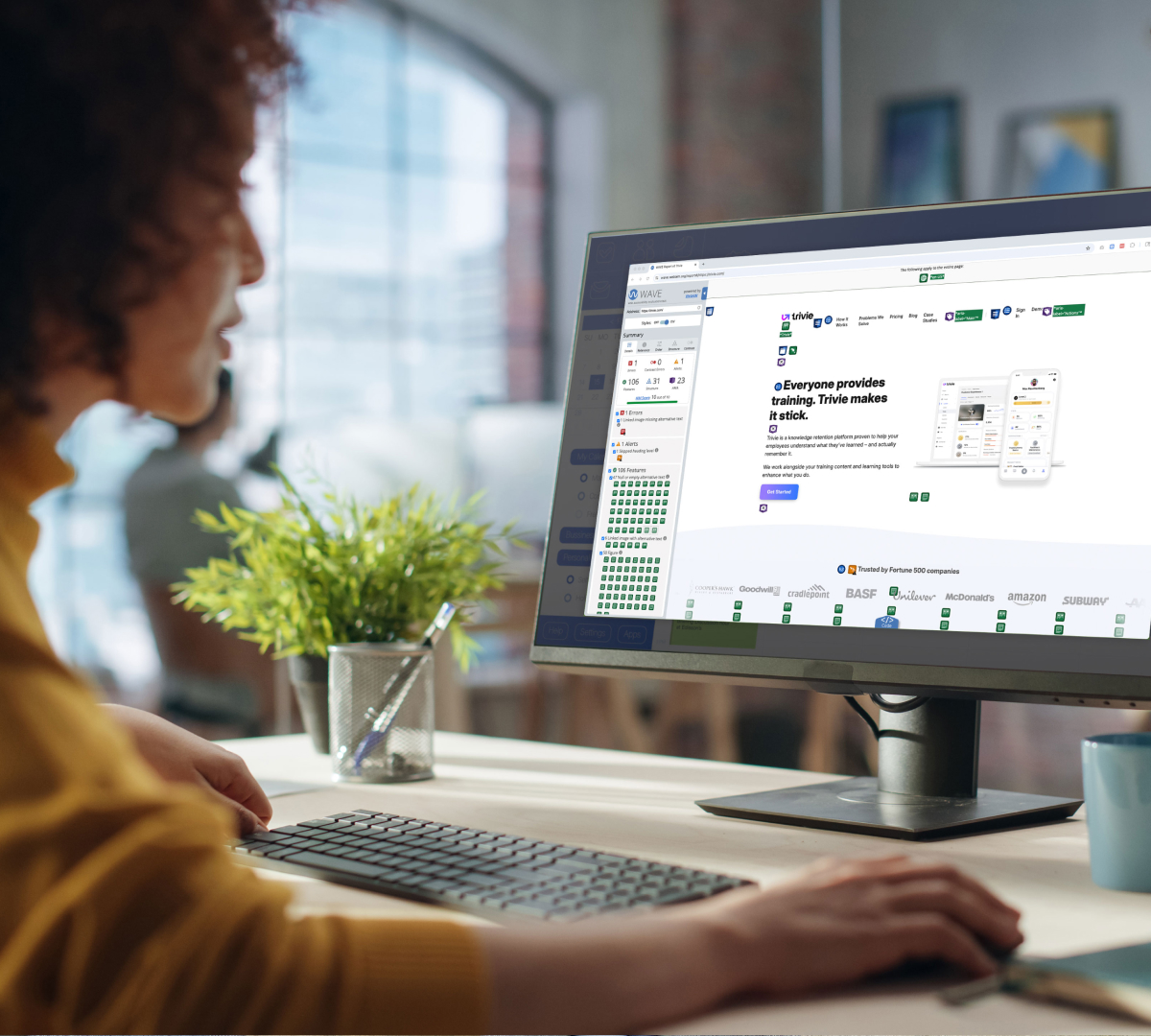

Improving the code behind your website is one of the most powerful ways to create a more accessible website, especially for users relying on assistive technologies such as screen readers.
Screen readers work by looking at the code of an interface—whether that’s aprogram on a computer, or in this case, a website—and then translating that into audio that the device reads aloud to the user.
Optimizing your code is the best way to ensure that what users hear read aloud makes sense and is usable.
The good news is, coding for search engine optimization (SEO) is very similar to coding for screen readers. Google and other search engines, as well as answer engines like ChatGPT, crawl the internet with robots. Screen readers and other assistive technologies are just that—robots. So if you’ve already optimized your website for search, you’re already on the right path. If you haven’t, you can feed two birds with one seed by using accessible code.
1. Use semantic HTML.
HTML elements provide context around content. This context, or semantic meaning, helps users navigate and consume content more easily. It also aids search engines in indexing your content.
Strive for proper semantic structure in your HTML by utilizing HTML elements for their intended purpose.
Headlines should use heading elements, which include h1, h2, h3, h4, h5, and h6in HTML. The h1 element is reserved for the most important headline or title of a document, with each subsequent heading decreasing in importance. Other element sinclude address, header, footer, nav, p (paragraph), img (image), block quote, button, and many more
Reference Mozilla’s HTML elements reference page for more details.
2. Include a “skip navigation” link.
Screen readers function by reading what they find in the code of a website to the user. Imagine a robot reading the text of a website aloud to you. The first thing it would read is the navigation/menu items.
Including a skip navigation link (which is typically hidden from view to sighted users) will allow the user operating the screen reader to skip this and move on to the actual content. This is especially important as users navigate to multiple pages—they don’t want to hear the entire menu of pages read aloud each time.
<a href=”#main” class=”visually-hidden”>Skip to main content</a>3. Always include alternative text for images, videos, and audio files.
An alt tag, also known as “alt attribute” and “alt description,” is an HTML attribute applied to image tags to provide a text alternative. This alternative text describes your images and provides critical missing context for users who can’t see them.
Alt tags are important for both screen readers and search engines. They allow users (or Google) to read or hear alternative descriptions of content that they might not otherwise be able to view. Alt tags describe the object itself and, generally, the purpose it serves on the website
alt=”alternative text goes here”Images are typically used on websites for a few different reasons:
- Informative images provide additional information to users, supporting copy surrounding them
- Active images prompt a user to take some action—essentially a call to action
- Decorative images are there solely for visual design and don’t provide any additional information to users.
Only provide alt text to informative and active images. Providing alt text for decorative images adds unnecessary information when read aloud by screenreaders, potentially resulting in frustration and confusion for users.
For decorative images, simply leave the alt tag blank.
<img src=”informative-image.jpg” alt=”description of image”>

<img src=”active-image.jpg” alt=”call to action”>

<img src=”decorative-image.jpg” alt=””>
The following guidelines will help you keep yourimages and website accessible and usable:
- Alt text for informative images should describe the information in that image and repeat the text in the image if there is any. Avoid repeating information if the surrounding copy states the same thing as the image
- Alt text for active images should describe the resultof the intended action. Think of them like buttons ortext links
- Include an empty alt attribute (e.g. alt=“”) for decorative images. Failing to do so will result inmost screen readers reading the entire image source URL, creating a confusing and frustrating experience for users
- Avoid calling attention to the fact that it is an image. Don’t use language like, “This is a picture of…” or “Here’s an image of…” Calling out imagery doesn’t add any value to the user and only serves asa reminder that they can’t see your images
- Don’t use alt text as a prompt for users to download or enable images, as not all users will have this ability or benefit from it
- When in doubt, read your alternative text aloud along with the rest of the surrounding content. If it sounds natural to you and provides the intended value, your alt text is doing its job.
Adapted from Litmus’ The Ultimate Guide to Email Accessibility
4. Create text transcripts for video and audio content.
Text transcripts help hearing-impaired users understand content that would otherwise be inaccessible to them.
Think of closed captions on television and movies. These captions were developed for deaf and hard of hearing viewers. The same need is present on the internet, where websites now contain rich video and audio content.
Closed captioning is also a great practice in general both for SEO and because many users view video and audio content at work or in locations where audio may not be desired or may not load due to internet connectivity.
Incorporating transcription and closed captioning into your video and audio content will broaden your audience and assist those with both physical and situational disabilities.
5. Identify the website’s language in the header code.
A global audience views many websites, so it’s important to use the HTML languageattribute when coding your website.
The language attribute tells any assistive technology which language profile to use for the content. It will adjust accordingly and use the correct pronunciations and accents, resulting in a much better experience for your users.
It is important to note that the language attribute doesn’t translate content for you. It simply ensures the content sounds natural in the appropriate language.
<html lang=”en”>By improving the code behind your website, you can make your site more accessible and inclusive for all users.
This blog is part of our Website Accessibility Guide, a series exploring how businesses can build more inclusive websites.
In this guide, you’ll learn:
- Why website accessibility matters and the impact it has on your bottom line
- How to design and build inclusive websites to provide a better experience for all of your customers
- How to implement simple changes to create websites that can be accessed by people of all abilities, and ensure usability for assistive technologies
Click here to download the complete guide as a PDF. You can also continue following along as we publish additional articles from the guide here on our blog.
Let’s create a more inclusive internet together!